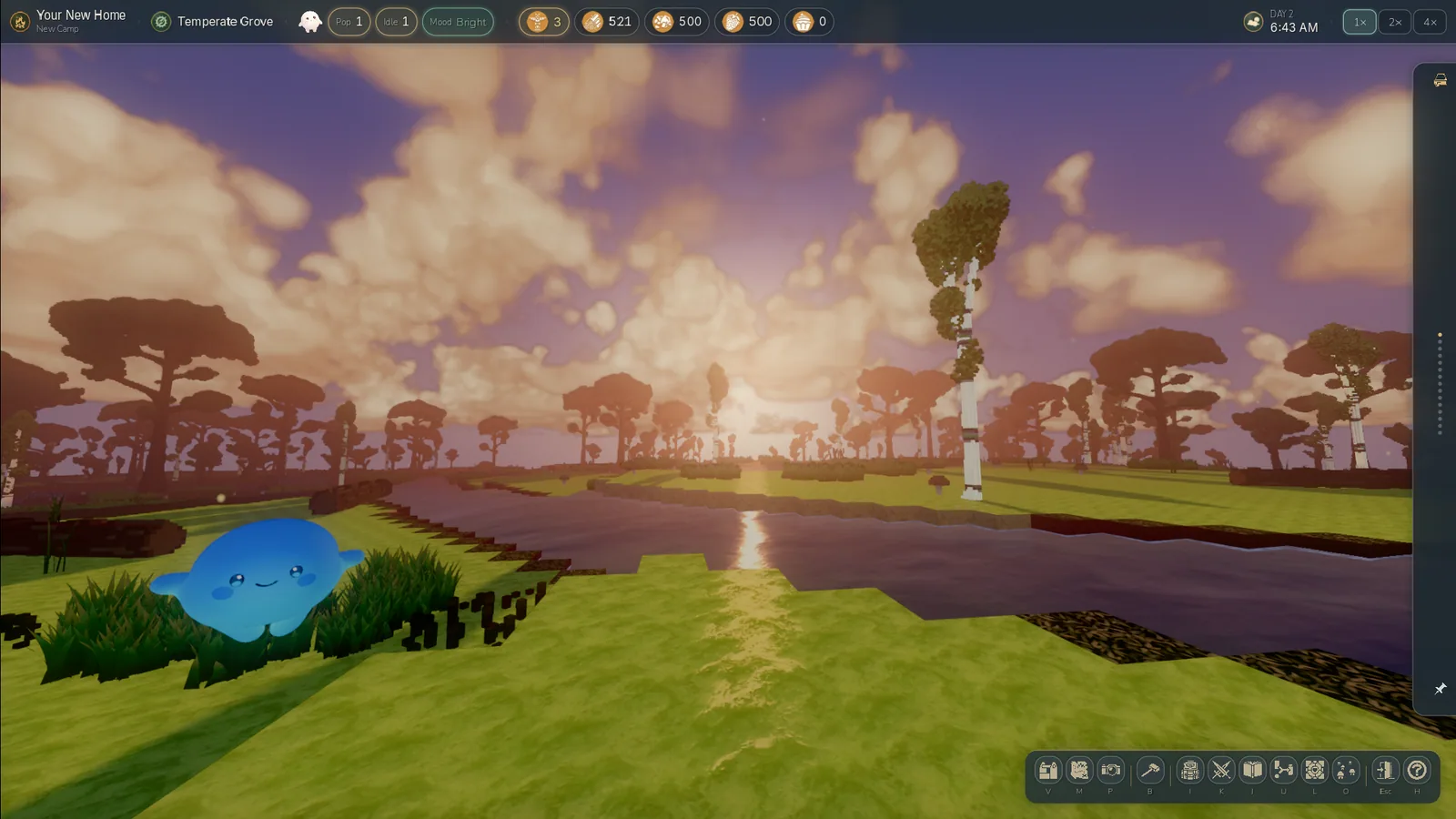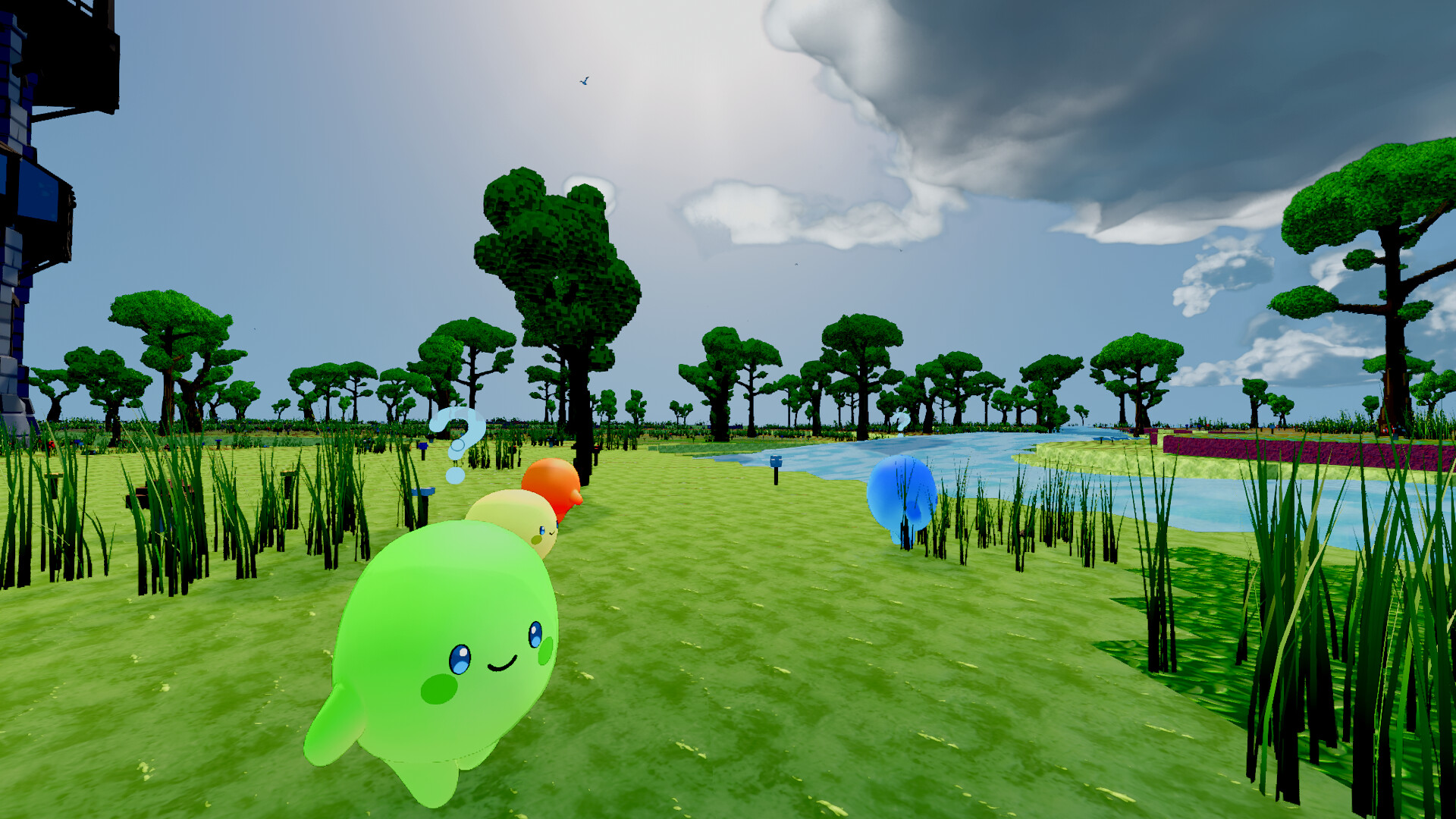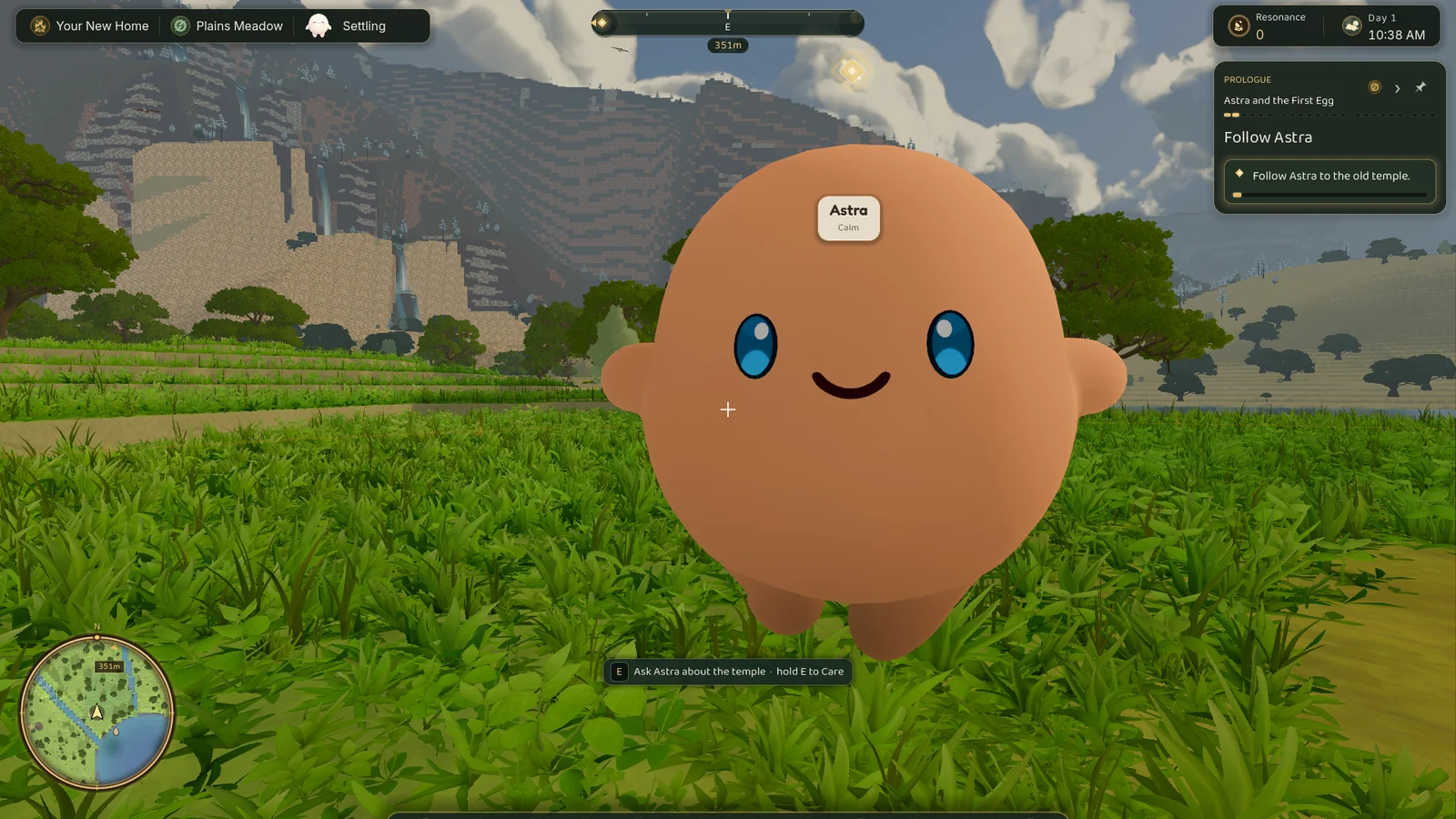


Building in Luminids was powerful, and it fought you the whole way.
You could place blocks. You could carve and stack and fill. On paper it could do a lot.
But there was a gap between what the tools could do and what you wanted to make.
You’d have a picture in your head: a little cottage, a fence around the garden, a path running home through the grass. The tools handed you a wall of abstract shapes, fiddly placement and a ghost preview you could barely read.
So you ended up building what the system made easy instead of what you imagined. In a cozy colony builder, that’s exactly backwards.
This one took a while to admit. The build system wasn’t broken. It was just pointed at the wrong goal.
What building should actually feel like
Before I touched a single tool, I wrote down what I wanted.
Building in Luminids should be easy to start, forgiving when you get it wrong, and enjoyable enough that you want to keep going. You should be able to build a house or a bridge without fighting menus for an hour first.
And you shouldn’t be doing it alone. This is a game about a little colony of glowing creatures who live with you, so it would be odd if building was the one thing you did by yourself, in a menu, off in a corner.
That last part became the rule I measured everything else against. If a change made the colony more a part of building, it stayed. If it made building feel more like operating software, it went.
Being ruthless about the cut
The quickest route to better tools was to throw a lot of them away.
I cut the abstract shapes almost nobody reached for: the dome, the spire, the pillar and the ring. They were clever, and they were noise.
Then I merged the tools that overlapped:
- the plain block tool melted into the brush
- the replace tool melted into paint
- the standalone eraser went away
In their place I added tools that match what people actually build:
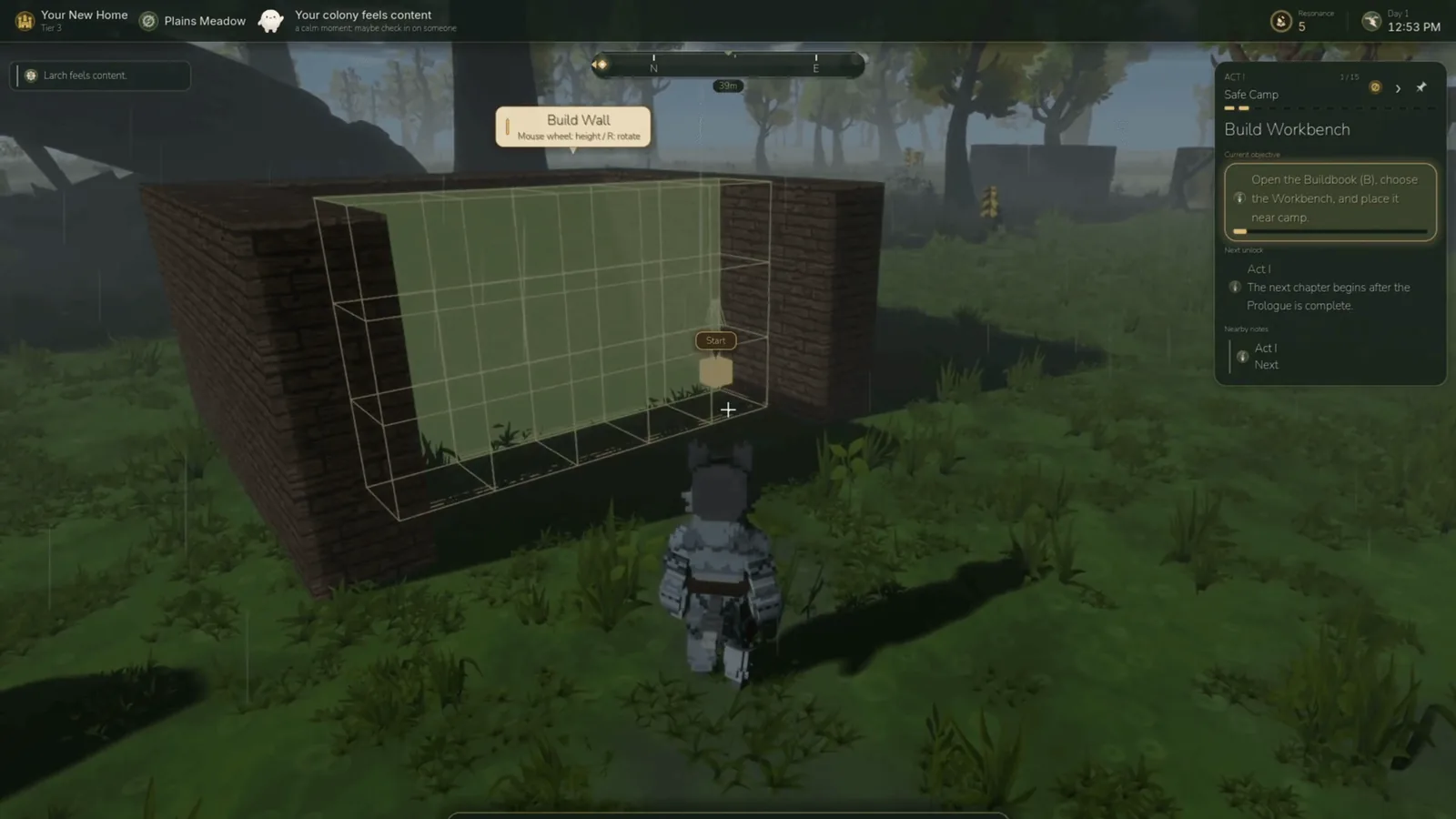
- a room shell, so a cottage starts as a cottage
- a bridge, with a deck and legs that reach for the ground
- a floor slab
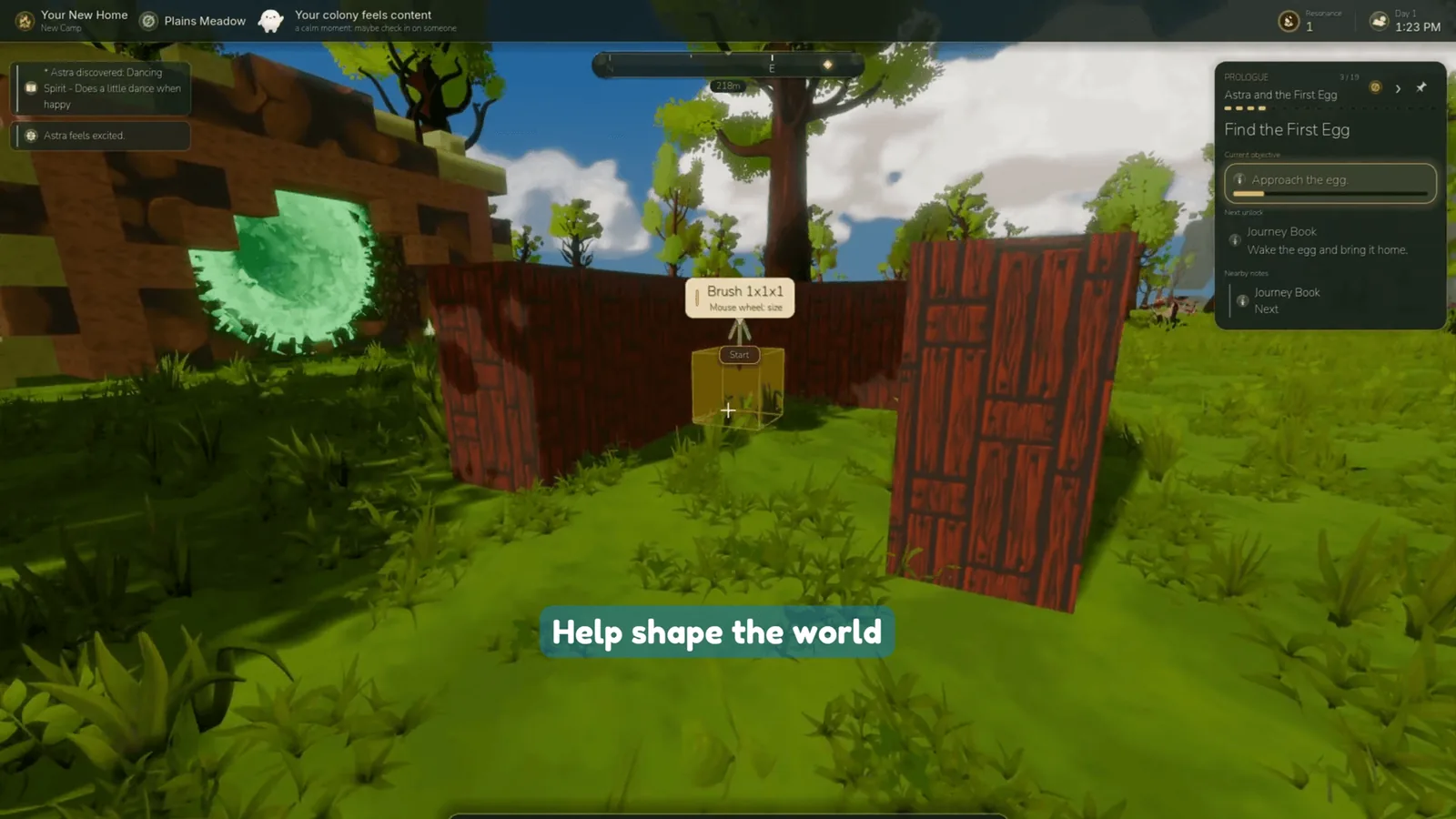
- a fence
I kept the pyramid and the doorway, because they still earn their place.
Then I put everything on one radial ring with two pages, Build and Structures. That’s the whole menu now.
I wasn’t cutting for the sake of it. Every tool you reach for should map to something you can picture before you place it.
The three blockers underneath
Cutting tools was the easy part. Then I hit the real problems. There were three, stacked on top of each other, and none of them were glamorous.
The first was snapping.
Placement skated over every bump in the terrain. Point at a hill and the block would step and skew. Point at the open sky and it would freeze somewhere far away. Worst of all, the preview and the actual placement didn’t agree. You’d line something up, commit, and it would land somewhere else.
So I stopped patching individual tools and gave them all one shared build plane. Every tool now projects onto the same surface, so the thing you preview is exactly the thing you place.
The second blocker was the ghost preview itself. It was a flat, dark shape floating in front of you, and you couldn’t tell stone from wood from grass. You were placing blind and hoping.
Now the preview shows the real block texture, so you can see what you’re building before you commit a single piece of it.
The third was the most frustrating, because some tools seemed to do nothing at all.
Paths were the worst offender. You’d draw one and nothing would appear. It turned out to be two bugs sitting together: build mode was getting switched off underneath the tool, and the faces that did get placed were being culled, so you never saw them.
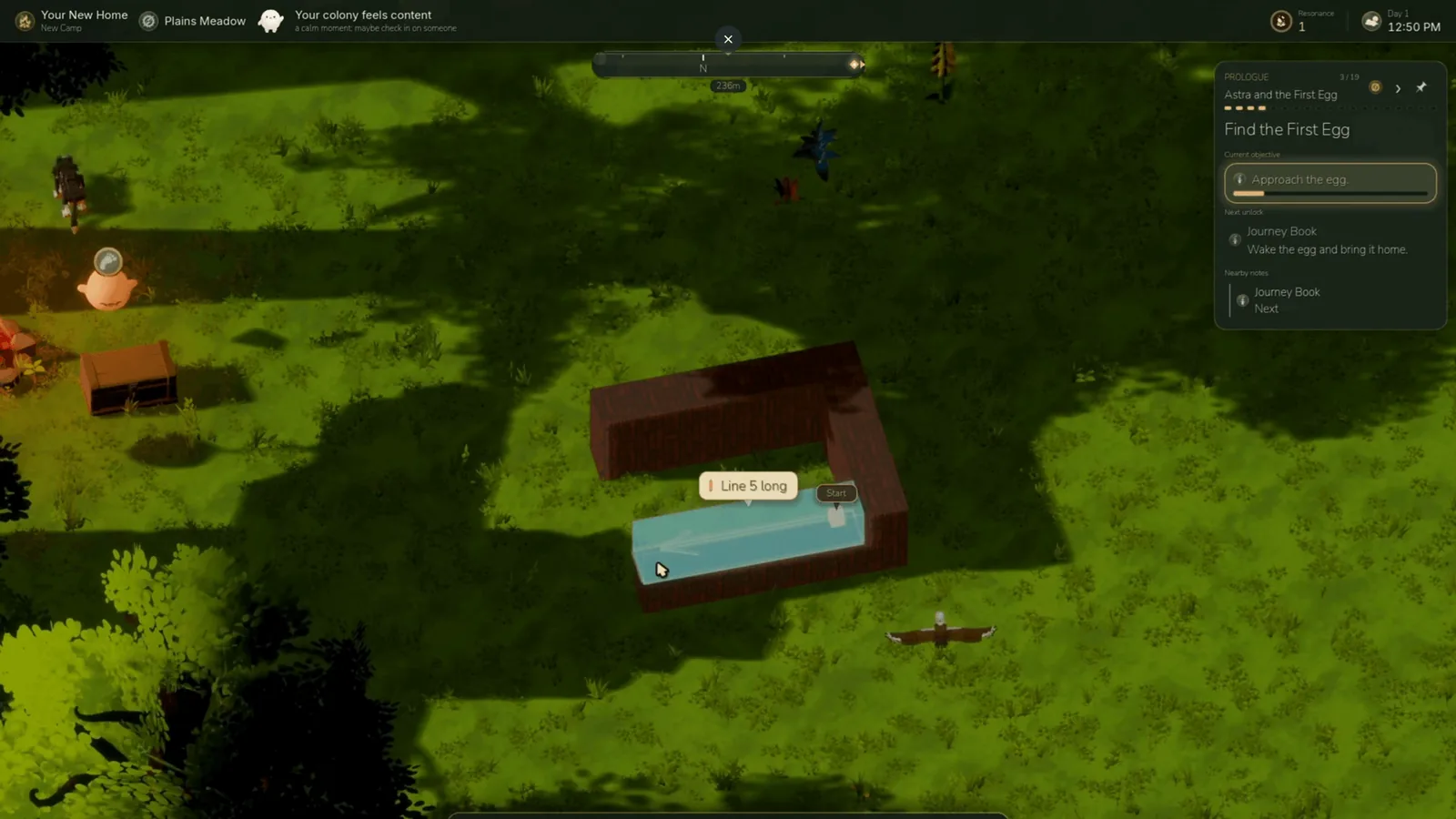
Once I fixed the mode and the culling, paths showed up, which is most of what you want from a path tool. They follow the land now, dipping and rising with the terrain, and you can see them clearly the moment you lay them down.
Piece by piece, with the colony
This is the part I love most, and it’s what made the rest worth doing.
You don’t place a finished house. The very first build quest in the game says it plainly:
Raise the First House. Your Luminids will raise it, piece by piece.
You lay out what you want, and the colony carries it up out of the ground, board by board.
Where it landed
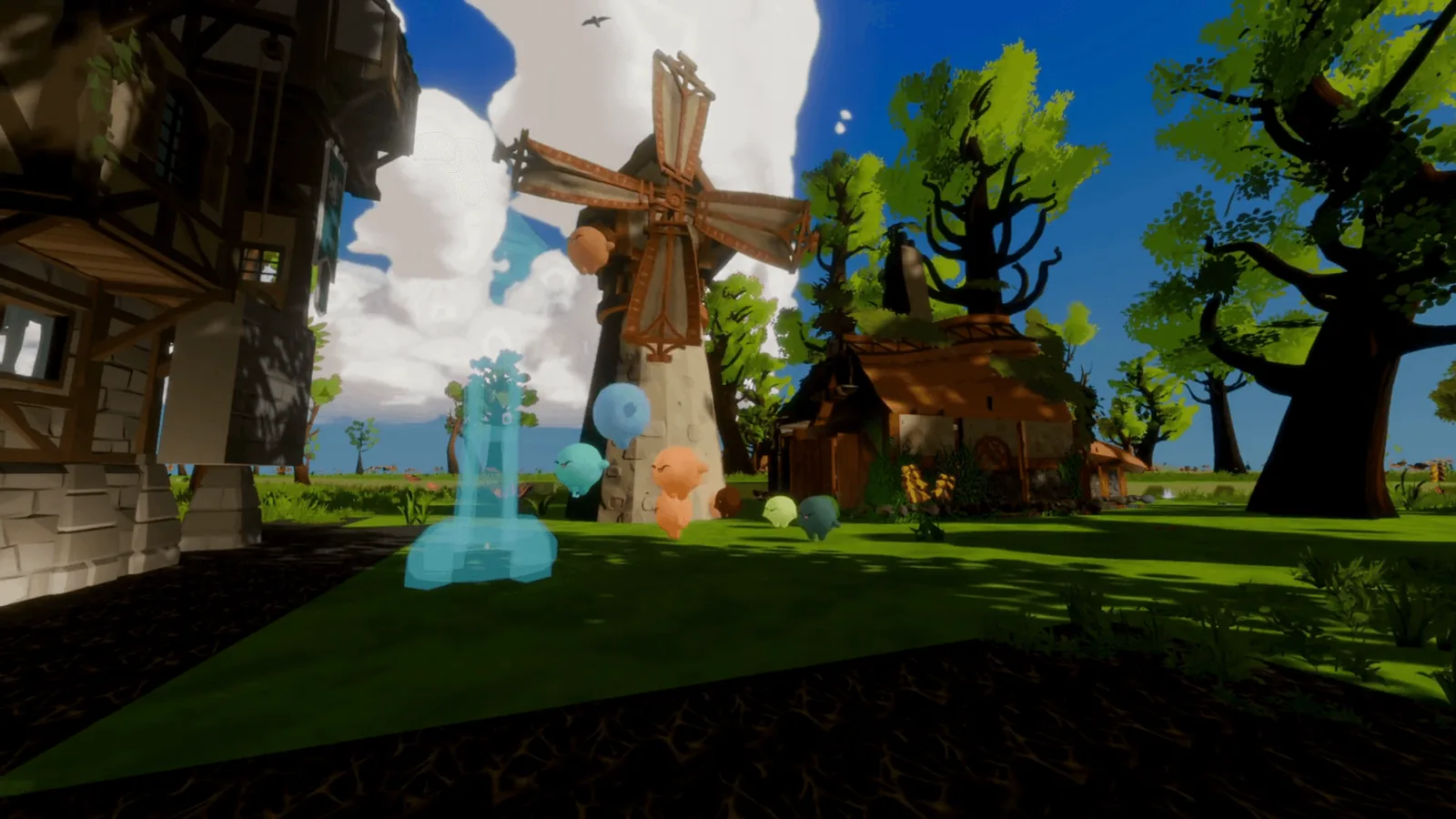
What I have now is a homestead you can shape: a windmill turning over the grass, a cottage with a real doorway, fences around the edges and a path winding home. It looks like somebody lives there.
The old system could place more shapes. The new one builds the thing you pictured when you sat down.
What comes next
There’s still polish ahead:
- structure rotation, so you can turn a piece to face exactly where you want
- more pieces to build with, so homesteads start to look different from each other
- tightening everything up for a stronger public demo
The bones are good now. I can’t wait to see what your colonies end up raising.
Nick