

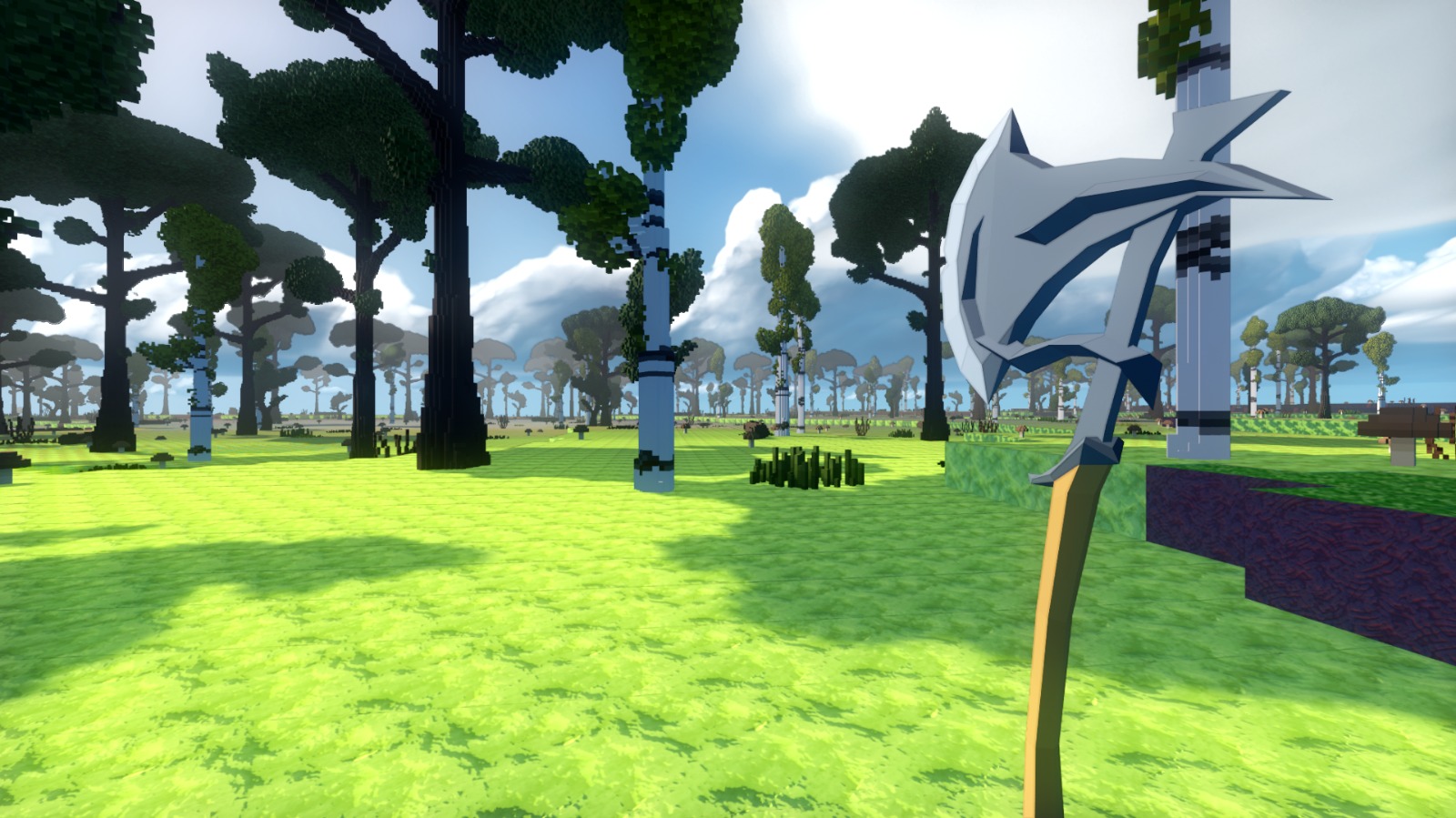
I didn’t add a single feature this week. I worked on the sky instead, and specifically on how it changes over time.
Until now the sky was really a set of separate effects: time of day, clouds, fog and lighting, each switching between its own settings. When those layers drift out of step, everything underneath them looks slightly off, even if you can’t say why.
I wasn’t after dramatic sunsets or heavy contrast. I wanted a sky that changes gradually and predictably, so you can look up and enjoy it or ignore it completely.
How the sky system works
Now it’s one system that updates every frame and keeps time of day, sun position, cloud motion, fog and atmosphere in step.
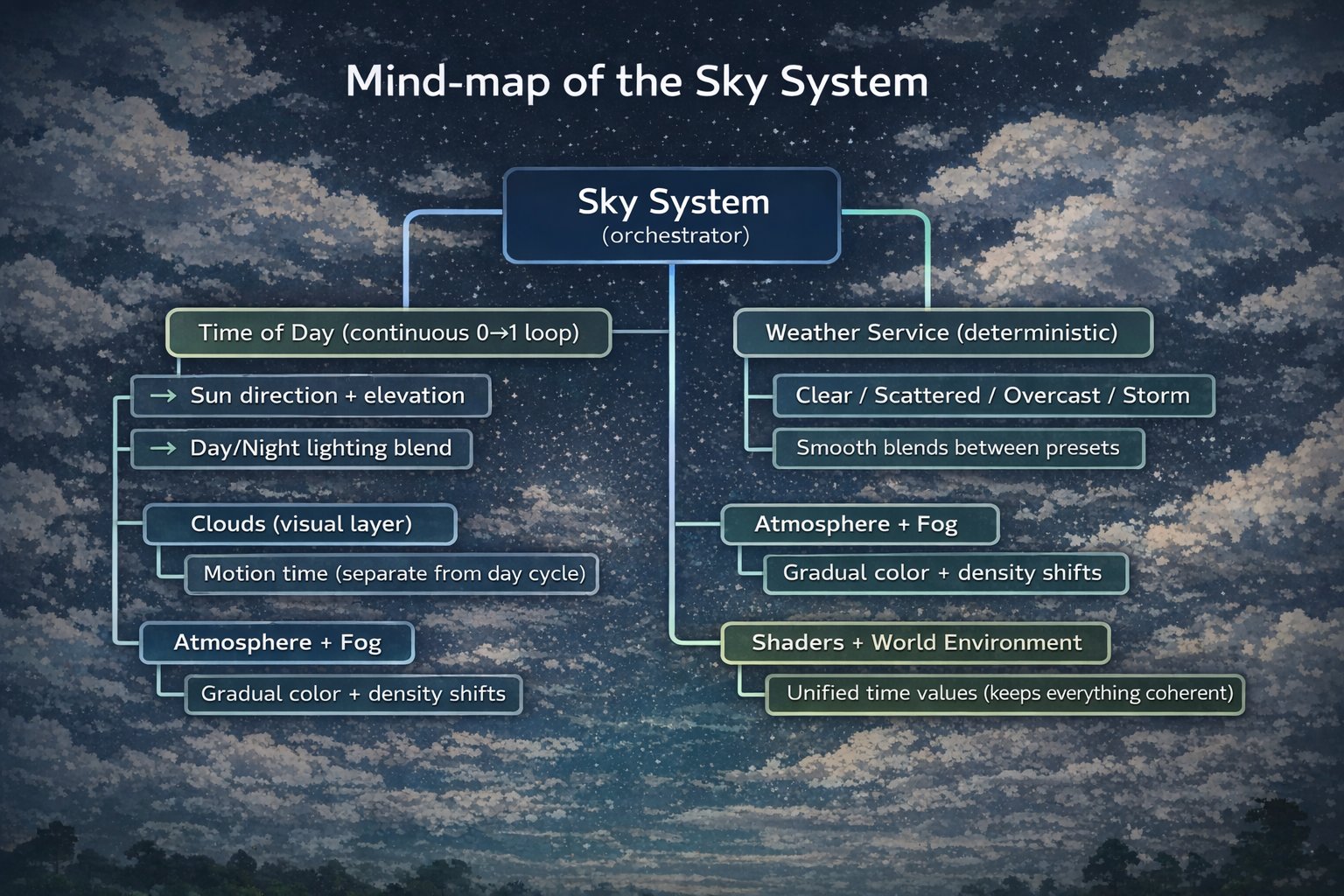
At the centre is a “Sky System” controller. It owns the clock, sends a single time value to the shaders, and eases every other sky setting toward its target instead of jumping straight there. No hard switches.
Weather lives in a separate “Weather Service” that runs on a deterministic loop. It picks a state (clear, scattered, overcast or storm) and blends toward it over time, so the weather can turn without the sky lurching from one look to the next.
Cloud motion also has its own clock, separate from day and night, so speeding time up or slowing it down doesn’t send the clouds racing across the sky. That matters more than it sounds. Racing clouds wreck the sense of scale.
- Advance time (if the time cycle is running) using the world's time scale.
- Publish a single time value to shaders so sky, fog, and clouds stay unified.
- Update sun direction and elevation based on that time.
- Apply sky state (lighting, fog, cloud coverage, atmosphere).
- Blend toward target values so transitions feel continuous.
- Update cloud rendering so the view never "pops" when the camera moves.
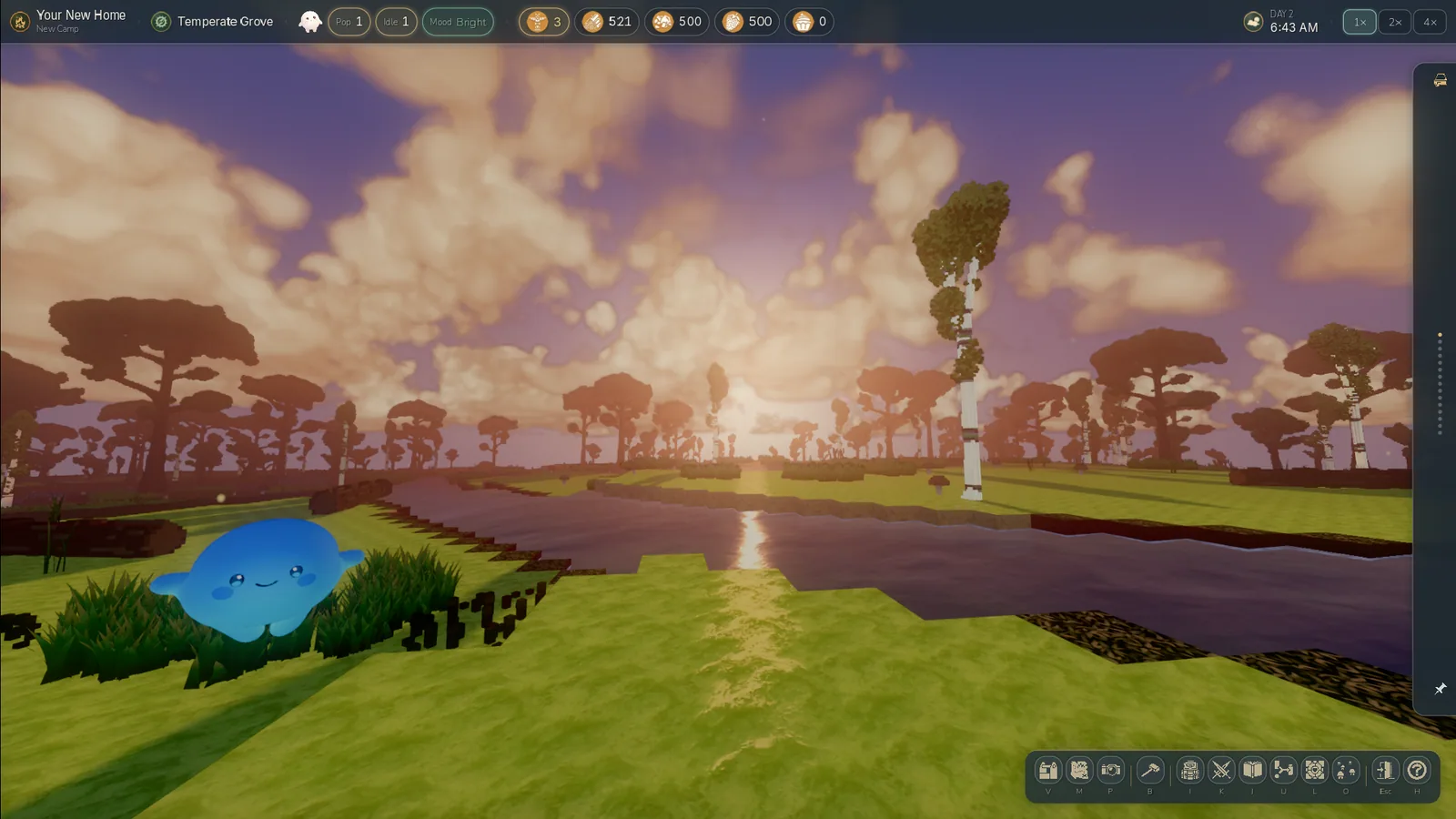
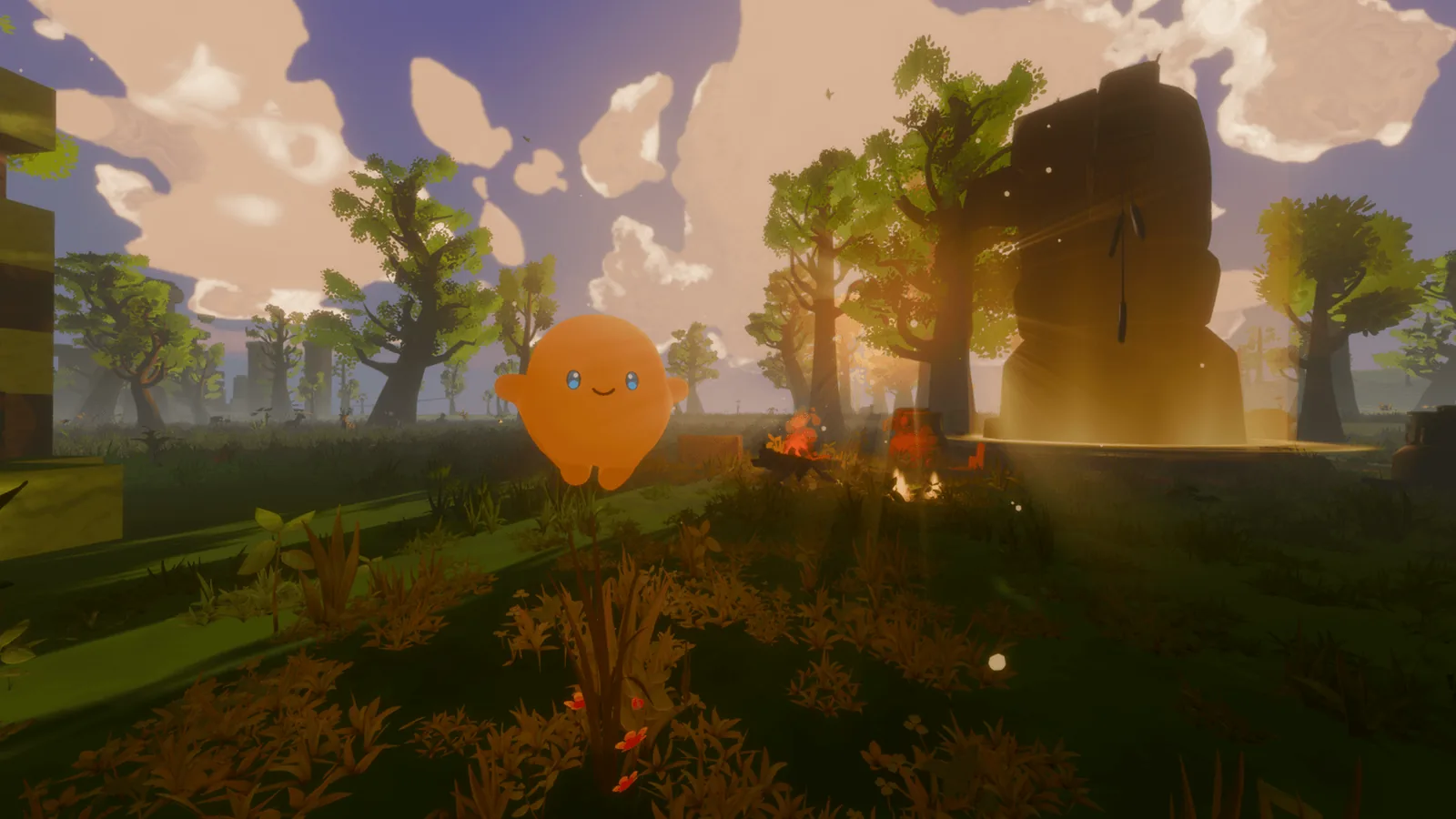
In practice, clouds form, drift and dissolve instead of popping in and out. Light temperature and brightness change gradually. Dawn and dusk are transitions rather than switches, because everything reads from the same state.
Why this matters
A lot of systems in Luminids lean on each other, so when one of them is noisy or inconsistent, the problem shows up everywhere else too.
With the sky stable, a lot of later work gets easier. Lighting is easier to tune, atmosphere is more predictable, performance is steadier, and there’s less visual noise to clean up by hand.
A sky you can ignore
The sky should support play, not compete with it. You should be able to look up and enjoy it, or ignore it completely and have nothing look wrong.
That rule decided a lot of small things: how dense the clouds get, the colour balance, and how contrast is handled during transitions. It won’t win any awards for drama, and I’m fine with that.
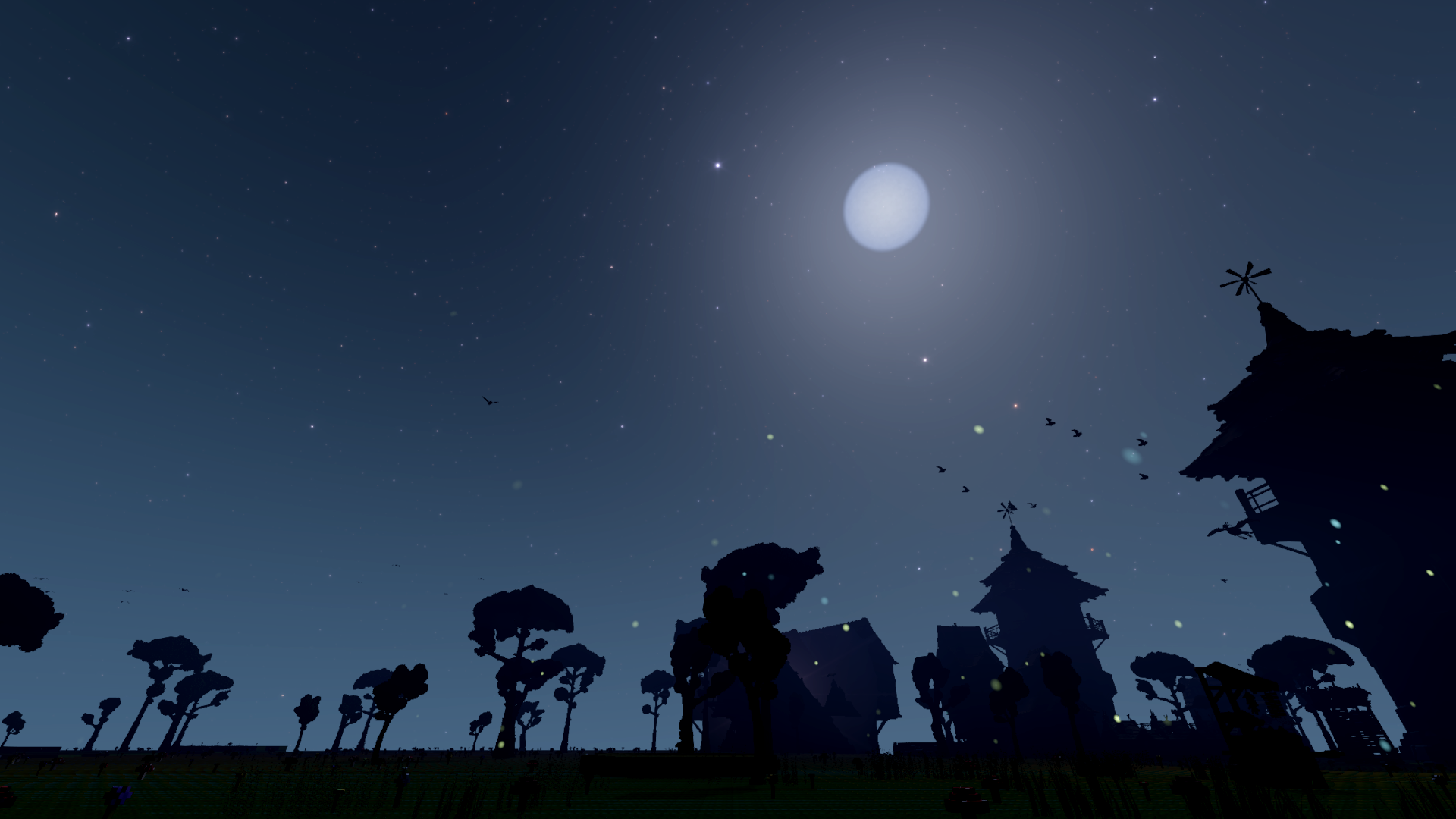
Day and night cycle
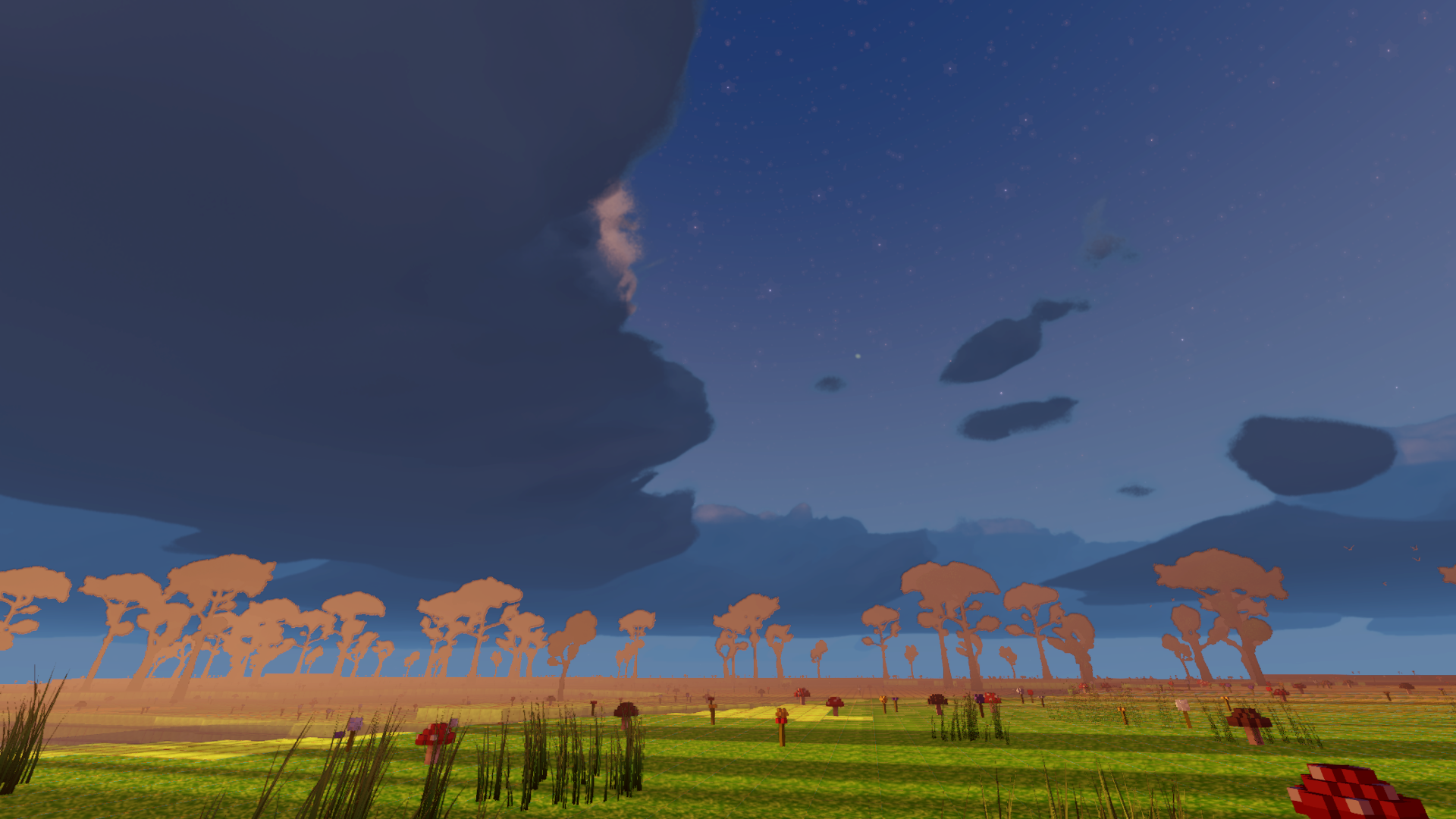
Day and night run on the same clock as everything else now. As the light shifts, the clouds respond with it, and the scene changes without abrupt jumps.
What this changes in game
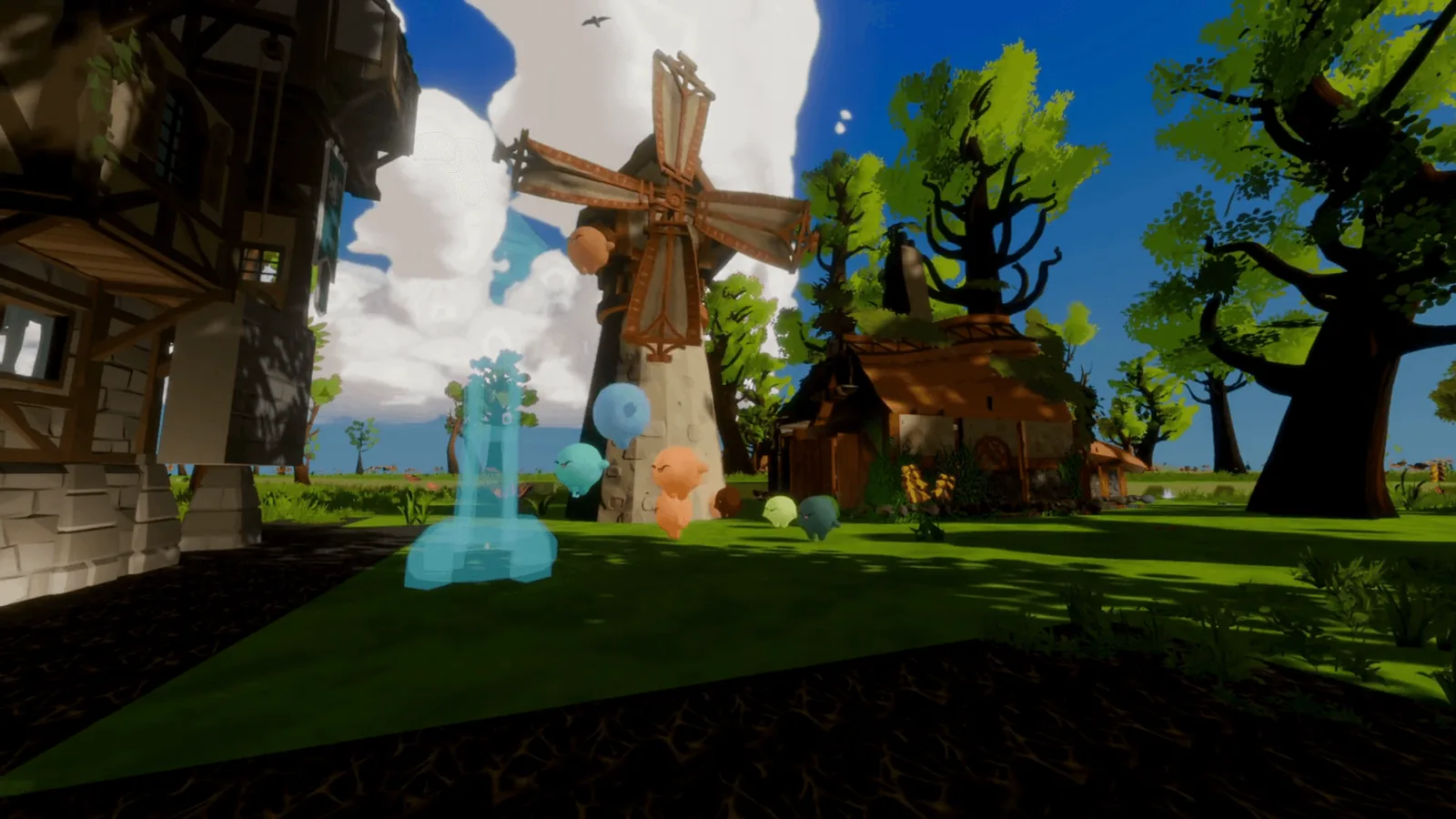
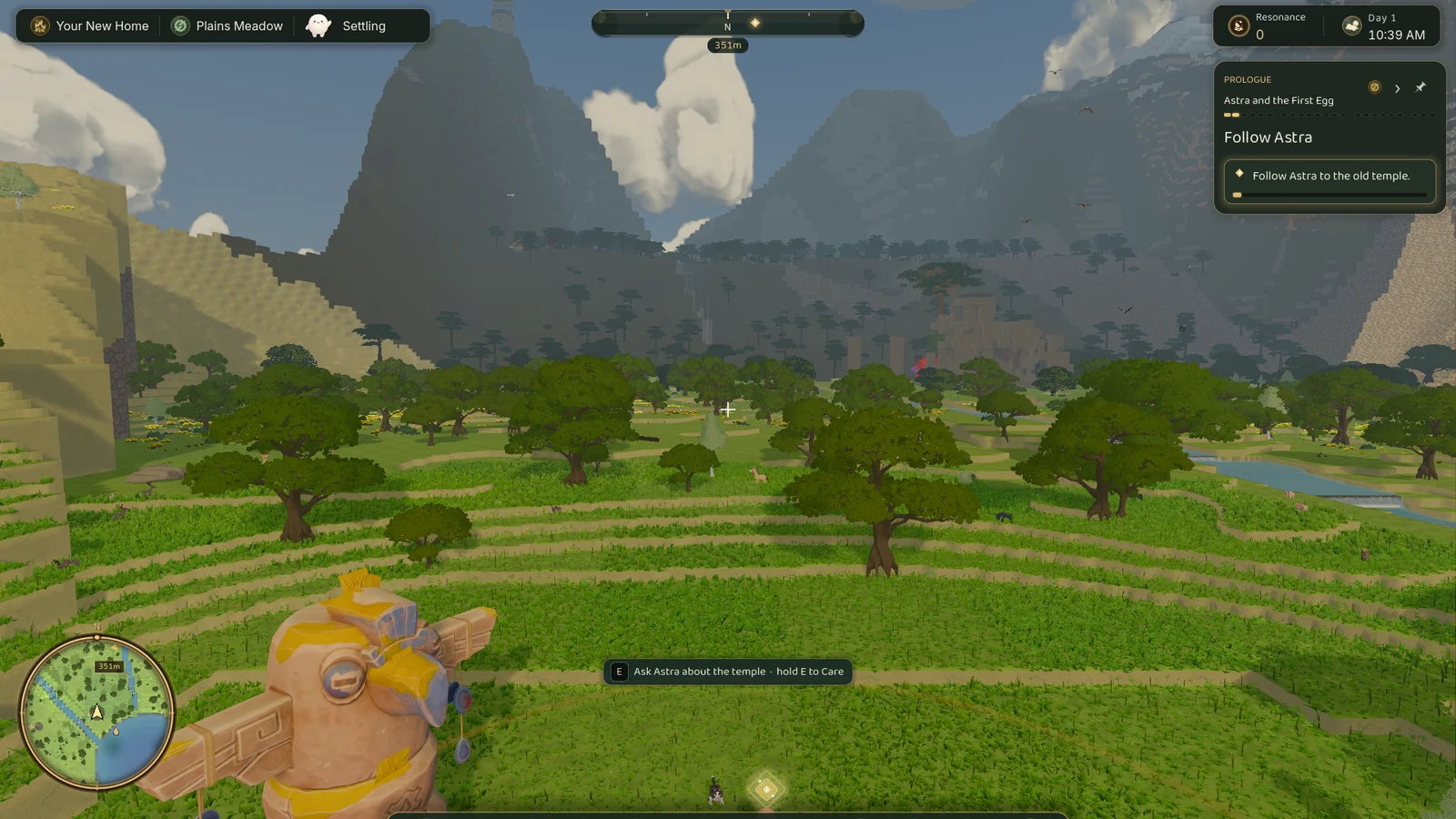
Mostly, you notice it by not noticing it. Light changes when you expect it to. Weather blends in instead of appearing. Clouds don’t pop when you turn the camera, and they don’t race off when time speeds up.
It’s a small change on the surface and a foundational one underneath.
What comes next
With the sky behaving predictably, I can build on it instead of fighting it. Weather, mood shifts and more environmental cues can all go on top.
- Rain: Light to heavy rain that softens light and darkens surfaces.
- Fog: Low, rolling fog that shifts visibility and depth.
- Sunny and cloudy days: Clear or scattered cover.
- Sand storms: Muted colour and reduced visibility as sand moves through.
- Snow: Colder light, quieter ambience, softened landscape.
- Heatwaves: Subtle haze, brighter light, still air.
As it turned out, dusk still needed a lot more work. That story is in Dev Log 15.
Nick